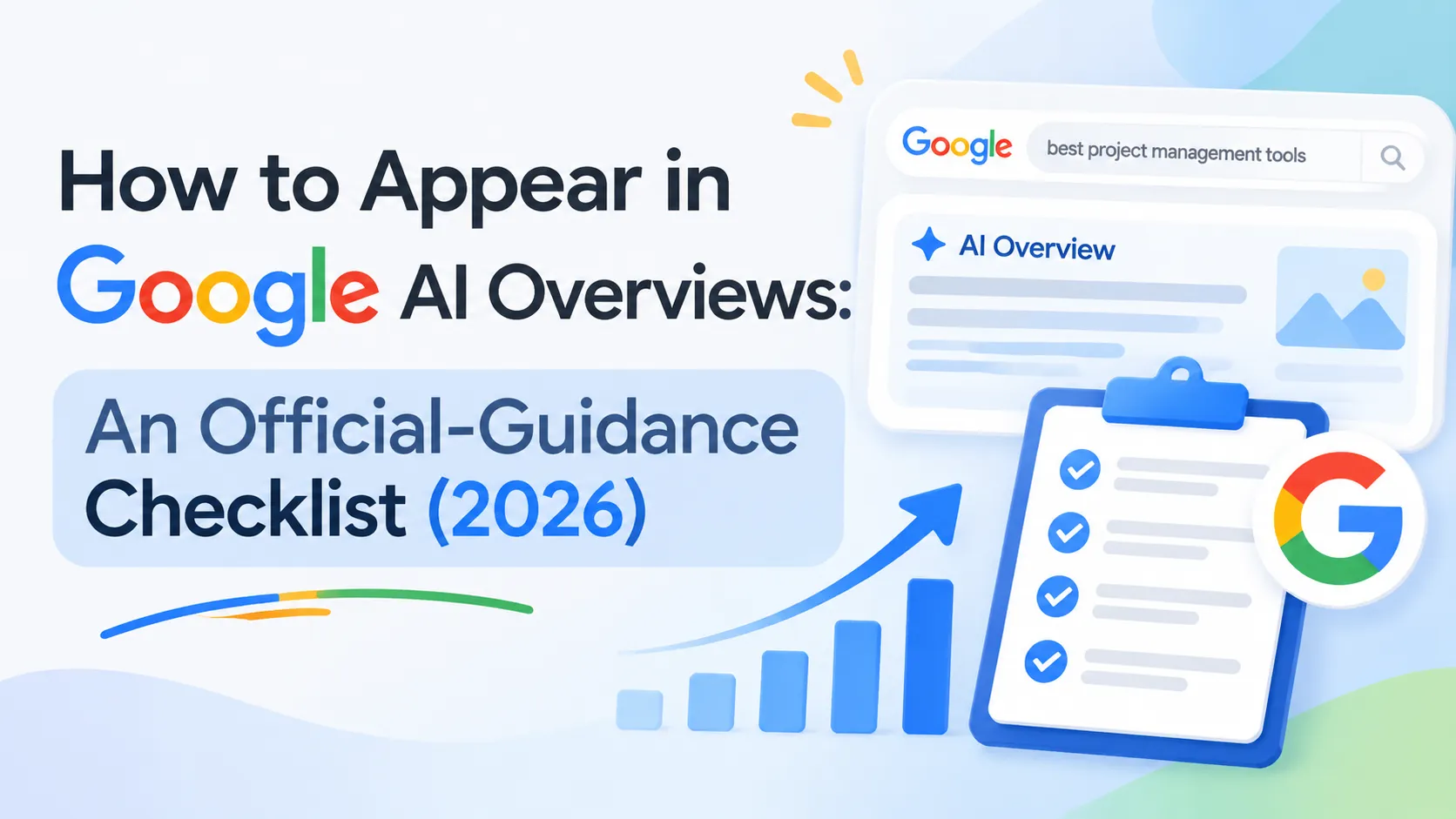
If you're wondering how to appear in Google AI Overviews, the short answer is that there is no special switch. According to Google Search Central, a page needs to be indexed and eligible to be shown in Google Search with a snippet, and no additional technical requirements apply (Google Search Central, AI Features and Your Website). That is good news if your technical SEO is already sound, and a useful warning if someone is selling you an "AI Overviews optimization" trick.
This guide turns Google's official guidance into a checklist you can run on a real site: confirm eligibility, keep Googlebot unblocked, review preview controls, publish content worth linking to, keep structured data honest, and measure results in Search Console.
Key Takeaways
- Google says no extra technical requirements exist beyond being indexed and snippet-eligible.
- You do not need special AI text files or special schema.org markup to be considered.
- Restrictive preview controls (nosnippet, data-nosnippet, max-snippet, noindex) limit how your content can be featured.
- Search Console now has a "Search generative AI" setting that decides whether your links and content are included.
- Appearance is never guaranteed. Everything below improves eligibility, not outcome.
How to appear in Google AI Overviews and AI Mode: what it actually means
Appearing in AI Overviews or AI Mode means your page is eligible to be shown as a supporting link alongside a generated answer. Google's documentation describes these as AI features in Search, and the eligibility rules are the same fundamentals that govern ordinary Search. There is no separate submission process and no guarantee of inclusion for any query.
This framing matters for how you plan the work. You are not optimizing for a new engine with its own rulebook. You are making sure the existing Search requirements are met, and then making your content the kind of source a generated answer would want to link to.
It also helps to keep expectations honest. Google's guidance does not publish a list of ranking factors specific to AI Overviews, so any claim of a "proven formula" is practitioner opinion. The steps below stick to what Google has stated, and label everything else clearly.
Step 1: Confirm your pages are indexed and snippet-eligible
To be eligible, a page must be indexed and eligible to show in Search with a snippet. Check this first, because every later step depends on it. A page that is not indexed cannot be a supporting link, no matter how good the content is.
Use the URL Inspection tool in Search Console on your most important pages and confirm that Google can index them. Then look at the Page indexing report for patterns: "Crawled, currently not indexed," "Blocked by robots.txt," and "Excluded by noindex tag" all explain missing visibility.
Also confirm the page is not accidentally suppressing its own snippet. Snippet eligibility is controlled by the directives covered in Step 3, and a stray nosnippet on a template can quietly remove a whole section of your site from consideration.
Step 2: Let Googlebot crawl at every layer
Google recommends allowing Googlebot in robots.txt and also at the CDN or hosting layer. A firewall, bot-protection rule, or CDN setting can challenge or block the crawler even when robots.txt looks clean.
Run through these checks:
- Open your robots.txt and confirm that no rule disallows Googlebot from the sections you want featured.
- Review CDN, WAF, and hosting rules for anything that rate-limits, challenges, or blocks Google's crawler.
- Compare what Googlebot receives with what a visitor sees, using the URL Inspection tool's live test.
- Confirm that important pages return normal 200 responses and are not gated behind scripts or logins.
If a crawl problem exists, fix it before touching content, because a page Google cannot fetch cannot be a supporting link.
Step 3: Review your preview controls
Preview controls decide how much of your page Google may show, and Google states that more restrictive controls limit how your content can be featured in AI experiences. The relevant controls named in Google's documentation are nosnippet, data-nosnippet, max-snippet, and noindex.
Treat these as deliberate choices, not defaults to forget about. Each one trades visibility for control.
| Control | Effect | Typical reason to use it |
|---|---|---|
| noindex | Page is kept out of the index | Thin, private, or duplicate pages |
| nosnippet | No text snippet from the page | Paywalled or licensed content |
| data-nosnippet | Excludes marked page sections | Sensitive or syndicated passages |
| max-snippet | Caps snippet length | Limiting how much text is shown |
Audit your templates for these directives. If you set a very low max-snippet value site-wide, or you wrapped key explanatory sections in data-nosnippet, you are choosing to limit how those passages can appear. That may be right for some content, but it should be intentional.
Step 4: Publish content that is worth linking to
Google's guidance on AI search success centers on unique, non-commodity, people-first content and a good page experience (Google Search Central Blog, Top ways to ensure your content performs well in Google's AI experiences on Search, May 2025). In practice, this means giving a generated answer something it cannot produce from generic knowledge alone.
Some ways to do that on an SEO topic:
- Include first-hand testing, screenshots from your own accounts, or results from your own audits.
- Explain decisions and trade-offs, not only definitions.
- Answer the question directly near the top of each section, then support it.
- Keep pages fast, readable on mobile, and free of intrusive interruptions.
The test is simple. If your page could be replaced by a paraphrase of ten similar pages, it offers a generated answer no reason to link to you. A page with original data, a real workflow, or a clearly explained opinion does.
Note that this is Google's general direction, not a published AI Overviews ranking factor. Treat it as the best available guidance for long-term eligibility.
Step 5: Put important content in text and keep structured data honest
Google says important content should be available in textual form, and that structured data must match the visible text on the page. These two rules prevent a surprising number of problems.
For text, check that your key explanations are not locked inside images, videos without transcripts, or content that only appears after complex interaction. If a fact matters, put it in readable HTML text.
For structured data, the rule is consistency. Markup that describes content not visible on the page can be a problem, and markup that contradicts the visible text is worse. Validate your existing schema with Google's tools and compare it against the rendered page.
Google also states that no special schema.org markup is required for AI features. Add structured data where it is valid and useful for standard Search features, but do not expect FAQ or any other markup type to unlock AI Overviews on its own.
Step 6: Decide what the Search generative AI control should do
Search Console now includes a "Search generative AI" control under Settings. According to Google's help documentation, it covers AI Overviews, AI Mode, and generative AI features in Discover, and by default your site's links and content are included (Search Console Help, Search generative AI control).
Per that documentation, as of August 31, 2026 the control has rolled out to all websites. Key details worth knowing:
- The default is to include your links and content.
- Excluding your site is not a ranking signal for classic Search.
- Changes generally take a few days. Content excluded is generally affected within one to two days after the control goes live, and some cases take longer because of caching.
- Google-Extended is a separate control related to training, so the two should not be confused.
If your goal is to appear, leave the default in place and confirm nobody on your team changed it. If you have licensing or business reasons to opt out, this control is an option that does not involve blocking crawling.
Step 7: Measure AI feature traffic in Search Console
Google says traffic from AI features is counted in Search Console's Performance report under the Web search type. Google's documentation does not describe a separate AI Overviews report, so measurement means reading that data carefully.
A practical routine:
- Open Performance and keep the Web search type selected.
- Track impressions, clicks, and click-through rate for the pages you have improved.
- Compare periods before and after your changes, noting that changes can take days to appear.
- Watch for pages that lose clicks but keep impressions, which can indicate answers satisfying users on the results page.
Because AI-feature traffic is blended into Web search data, avoid claiming that a specific click came from an AI Overview unless you can show it. Report what the data supports and describe the rest as a hypothesis.
Common mistakes to avoid
Most failures in this area come from skipping fundamentals or chasing tricks. Watch for these:
- Blocking Googlebot at the CDN while robots.txt looks fine.
- Applying nosnippet or a tiny max-snippet site-wide without realizing it limits featuring.
- Adding schema that does not match the visible page in hopes of AI visibility.
- Creating AI-specific files that Google says are not required.
- Rewriting every page instead of fixing indexing and access first.
- Treating a lack of appearance as a bug. Inclusion is never guaranteed.
Pre-publish checklist
Before you consider a page ready, confirm each item:
- The page is indexed and returns a normal response.
- Googlebot is allowed in robots.txt and at the CDN or host layer.
- No unintended noindex, nosnippet, data-nosnippet, or restrictive max-snippet applies.
- Key information is in readable text.
- Structured data, if present, matches the visible content.
- The content adds something original, such as data, experience, or analysis.
- The Search generative AI setting matches your intent.
- You know how you will read the results in the Web search type.
Frequently asked questions
Do I need special markup to appear in Google AI Overviews?
No. Google's documentation states that no special schema.org markup or AI-specific text files are required. A page needs to be indexed and eligible to appear in Search with a snippet. Structured data is still useful for regular Search features, but it must match the visible text on the page.
Can I opt out of AI Overviews without hurting my rankings?
Yes, through the Search generative AI control in Search Console. Google's help page says excluding your site is not a ranking signal for classic Search. The control covers AI Overviews, AI Mode, and generative AI features in Discover. Changes generally take a few days to apply.
How do I know if my traffic comes from AI Overviews?
Google says AI feature traffic is reported in the Search Console Performance report under the Web search type. It is not separated into its own view in the guidance reviewed here, so you can compare before-and-after trends but cannot attribute individual clicks with certainty.
Does blocking Google-Extended remove me from AI Overviews?
No. Google describes Google-Extended as a separate control related to training, distinct from the Search generative AI control. If you want to manage whether your content appears in AI features in Search, use the Search Console setting and the preview controls rather than assuming Google-Extended handles it.
Is appearing in AI Overviews guaranteed if I follow all of this?
No. These steps make your pages eligible and give them a better chance of being useful as a supporting link. Google does not promise inclusion for any page or query, so measure results and focus on content that is genuinely worth citing.
Conclusion
Appearing in Google AI Overviews and AI Mode comes down to eligibility and usefulness. Make sure your pages are indexed and snippet-eligible, keep Googlebot unblocked at every layer, review your preview controls, publish original people-first content, keep text and structured data aligned, and confirm your Search generative AI setting. Then measure in Search Console and iterate.
Start with the access and indexing checks this week, since they are fast and the most likely to uncover a real problem. Content improvements take longer, but they are the part that earns links over time.