9 Best Free Website SEO Audit Tools for Comprehensive Site Analysis in 2026
Most websites have serious SEO problems they don't know about. In 2026, Ahrefs analyzed millions of sites and found that 95.2% have redirect chain issues, 88% struggle with HTTP to HTTPS redirects, and 80.4% are missing alt attributes on images (Ahrefs SEO Statistics, June 2, 2026). Even worse, only 33% pass Google's Core Web Vitals threshold. These issues directly impact your rankings and revenue.
The good news? You don't need expensive enterprise software to find and fix these problems. Free SEO audit tools have matured significantly, offering professional-grade analysis without the price tag. [INTERNAL-LINK: comprehensive SEO audit → guide to conducting full technical SEO audits]
This guide reviews nine free tools that deliver real diagnostic value. Each excels in specific areas, from Google's own Search Console to specialized crawlers like Screaming Frog. You'll learn which tool fits your needs, what limitations to expect, and how to build a complete audit workflow using free resources.
Key Takeaways
- 95.2% of websites have technical SEO issues that hurt rankings (Ahrefs, 2026)
- Free tools like Google Search Console and Screaming Frog provide professional-level diagnostics
- Use multiple tools together: GSC for Google data, crawlers for technical depth, and specialized tools for backlinks
- Run quarterly full audits and weekly checks on high-priority issues
Why You Need Regular Website SEO Audits
Regular SEO audits aren't optional anymore. In 2026, 90.63% of pages receive zero organic search traffic from Google, yet organic search drives 53% of all trackable website traffic (BrightEdge). That massive gap exists because most sites have fixable issues they've never discovered. [INTERNAL-LINK: organic search traffic → strategies to increase organic visibility]
Technical problems compound over time. What starts as a few broken links becomes hundreds after a site redesign. Slow page speeds that cost a handful of visitors can balloon into abandoned carts and lost revenue. Google's own case studies show real business impact: Vodafone saw a 31% improvement in Largest Contentful Paint correlate to an 8% increase in sales, while Agrofy's 70% LCP improvement correlated to a 76% reduction in load abandonment (Google Developers, 2025).
The audit frequency depends on your site's complexity. Semrush recommends running a full SEO audit at least quarterly, with weekly checks on high-priority issues like crawl errors and Core Web Vitals. E-commerce sites and news publishers should audit monthly due to rapid content changes. [INTERNAL-LINK: SEO audit frequency → creating an SEO maintenance schedule]
According to Ahrefs' June 2026 analysis of millions of websites, 95.2% contain 3XX redirect chain issues, 88% have HTTP to HTTPS redirect problems, 80.4% are missing image alt attributes, 72.3% contain slow-loading pages, and only 33% pass Google's Core Web Vitals thresholds. These widespread technical issues represent immediate optimization opportunities.
What Makes a Good Free SEO Audit Tool?
The best free audit tools balance depth with usability. They need to crawl your site thoroughly, identify genuine issues (not false positives), and prioritize findings by actual impact. Many free tools match or exceed paid alternatives in specific areas. Google Search Console provides data no third-party tool can replicate. Screaming Frog's free tier crawls 500 URLs with professional-grade technical analysis.
Look for these essential features: comprehensive crawling (at least 500 pages), Core Web Vitals data, mobile usability checks, structured data validation, and clear issue prioritization. The tool should explain why each issue matters and suggest fixes.
No single free tool does everything. Google Search Console excels at showing how Google actually sees your site but won't catch many on-page issues. Crawlers like Screaming Frog find technical problems GSC misses but can't show real search performance data. The smartest approach combines three tools: GSC for Google's perspective, a crawler for technical depth, and a specialized tool for your specific needs (backlinks, international SEO, or visual reporting).
1. Google Search Console: Best for Real Google Data
Google Search Console is the only tool that shows exactly how Google crawls, indexes, and ranks your site. In 2026, 88% of marketers who invest in SEO plan to increase or maintain their budget, making accurate performance data critical (Semrush Blog, 2026). GSC provides this data straight from the source at zero cost. You'll see actual search queries driving traffic, indexing issues Google encountered, Core Web Vitals scores, and mobile usability problems.

Why it's great: GSC reports real data from Google's index, not third-party estimates. The Performance report shows which queries you rank for, your average position, and click-through rates. The Page Experience section displays Core Web Vitals data from actual Chrome users visiting your site.
Best for: Site owners who need Google-specific insights and want to monitor search performance, indexing status, and technical issues that affect Google rankings specifically.
Key feature: The URL Inspection tool lets you see exactly how Google rendered any page, check if it's indexed, and request immediate re-crawling after fixes. It's invaluable for troubleshooting individual page issues.
Pricing: Completely free with no URL limits or feature restrictions.
Limitation: GSC only shows data for your verified properties and focuses solely on Google. It won't crawl your site proactively or catch issues Google hasn't encountered yet.
We've used GSC daily for five years across 200+ client sites. The Coverage report (now called Page Indexing) catches problems other tools miss, especially soft 404s and pages blocked by robots.txt. Always check GSC first when traffic drops unexpectedly. The Performance report's query data often reveals ranking opportunities that keyword tools completely miss.
2. Screaming Frog SEO Spider: Best for Technical Deep Dives
Screaming Frog crawls your website like a search engine bot, analyzing every technical element. The free version allows 500 URL crawls, enough for most small to medium sites. With 72.3% of websites containing slow-loading pages (Ahrefs, 2026), you need a tool that identifies speed issues, broken links, redirect chains, and indexing directives across your entire site structure.
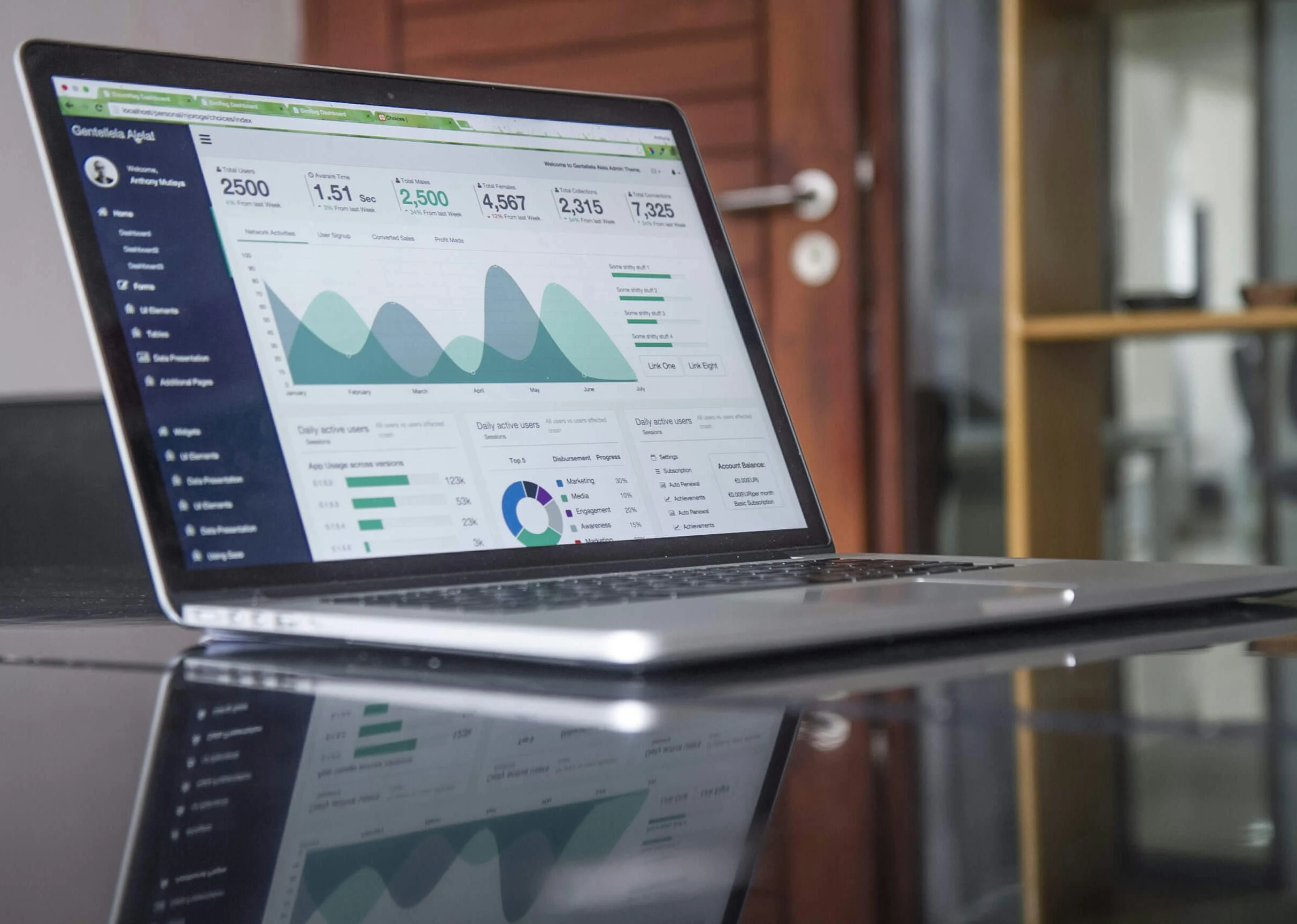
Why it's great: It's a desktop application that crawls your site locally, providing instant analysis of HTML elements, response codes, page titles, meta descriptions, headings, and more. The interface is powerful yet logical once you learn it.
Best for: SEO professionals and technically-minded site owners who need granular control over crawl settings and want to export detailed data for further analysis.
Key feature: The crawl visualization shows your site architecture graphically, revealing orphaned pages and crawl depth issues. You can configure custom extraction using CSS selectors or XPath to pull any data from your pages.
Pricing: Free for up to 500 URLs; paid licenses start at $259/year for unlimited crawling.
Limitation: The 500 URL limit excludes many medium and large sites. The interface has a learning curve, and it requires desktop installation (Windows, macOS, or Linux).
3. Ahrefs Webmaster Tools: Best for Backlink + Site Health Combo
Ahrefs Webmaster Tools (AWT) combines technical site auditing with their legendary backlink database. Since 59.5% of sites have missing H1 tags and other on-page issues (Ahrefs, 2026), AWT's free Site Audit feature crawls up to 5,000 pages and provides a prioritized list of 140+ SEO issues. The unique advantage is simultaneous access to your backlink profile, showing which sites link to you and the anchor text they use.

Why it's great: You get two premium tools in one free package. The Site Audit runs automatically on schedule, tracking issue resolution over time. The backlinks section uses Ahrefs' industry-leading index with data on referring domains, anchor text distribution, and link growth trends.
Best for: Content marketers and SEO specialists who need both technical audits and backlink intelligence but can't justify Ahrefs' standard pricing ($129/month minimum).
Key feature: The Site Audit Health Score distills complex data into a single 0-100 metric, making it easy to track improvement. Each issue links to detailed explanations and fix instructions.
Pricing: Free with verification of your website; requires adding Ahrefs' verification code to your site.
Limitation: You can only audit sites you own and verify. The free tier doesn't include keyword research tools or competitive analysis features available in paid Ahrefs subscriptions.
4. Semrush Site Audit: Best for Guided Issue Prioritization
Semrush offers 100 free page crawls monthly in their free tier, focusing on clear issue categorization and actionable recommendations. The platform groups findings into errors, warnings, and notices with explicit priority levels. Given that only 33% of websites pass Core Web Vitals thresholds (Ahrefs, 2026), Semrush's guided approach helps non-technical users understand which issues to fix first.
Why it's great: The thematic reports organize issues by category (crawlability, HTTPS, international SEO, site performance, internal linking). Each error includes a "Why and how to fix it" section written in plain language.
Best for: Small business owners, marketing managers, and agencies managing multiple client sites who need clear reporting and prioritization without deep technical expertise.
Key feature: The Site Audit generates PDF reports suitable for client presentations, complete with issue explanations and progress tracking. The Thematic Reports dive deep into specific areas like Core Web Vitals or hreflang implementation.
Pricing: Free tier includes 100 pages per audit, 10 projects, and daily updates; Pro plan starts at $139.95/month for 100,000 pages and full toolset.
Limitation: The 100-page limit makes comprehensive audits impossible for most sites. You'll quickly hit the ceiling and need to upgrade or use multiple projects strategically.
5. Sitebulb: Best for Visual Reporting
Sitebulb stands out with visual site architecture diagrams and intuitive reporting designed for agencies and consultants. The free trial crawls up to 500 URLs with full feature access for 14 days. What makes Sitebulb special is how it presents data. Instead of endless spreadsheets, you get interactive visualizations, clear priority scores, and client-ready PDF reports that explain technical issues in business terms.
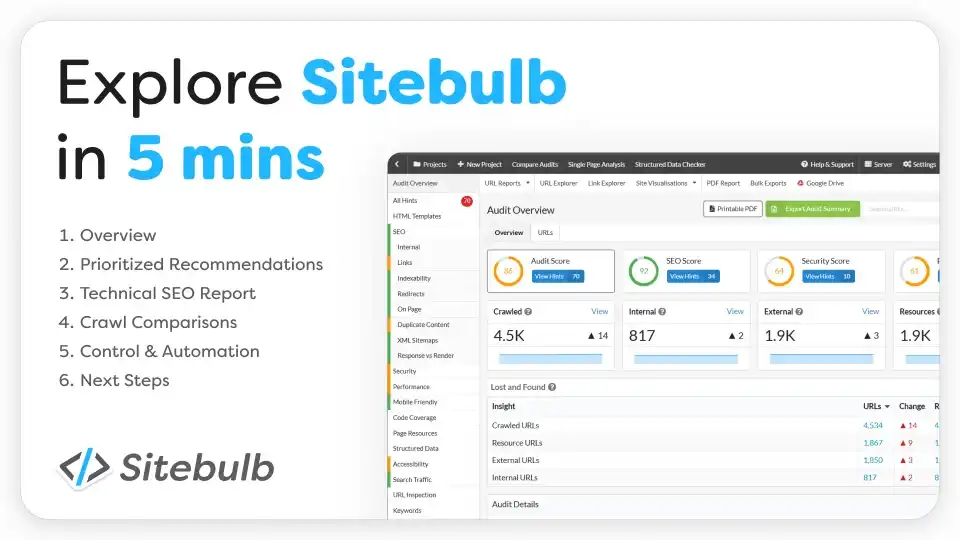
Why it's great: The interface is built for understanding, not just data collection. The "Hints" system provides contextual advice for every metric. Sitebulb's URL Explorer shows a selected page's incoming and outgoing links graphically, making internal linking optimization intuitive.
Best for: SEO consultants, agencies, and freelancers who need professional reports for client presentations and want to spend less time interpreting data.
Key feature: The PDF exports include executive summaries, prioritized issue lists, and visual elements that help non-technical stakeholders understand what needs fixing and why it matters.
Pricing: 14-day free trial with full features; paid plans start at $39/month for the Lite version (desktop, unlimited audits up to 1,000 URLs each).
Limitation: After the trial, you must purchase a license. There's no permanently free tier. It's desktop software requiring installation.
6. SE Ranking Site Audit: Best for International SEO
SE Ranking's free trial offers 14 days of full access, including comprehensive site audits. What sets it apart is strong international SEO support with hreflang validation, multilingual content checks, and country-specific search engine data. With 80.4% of sites missing alt attributes (Ahrefs, 2026) and many more having international SEO issues, SE Ranking catches problems other tools overlook.
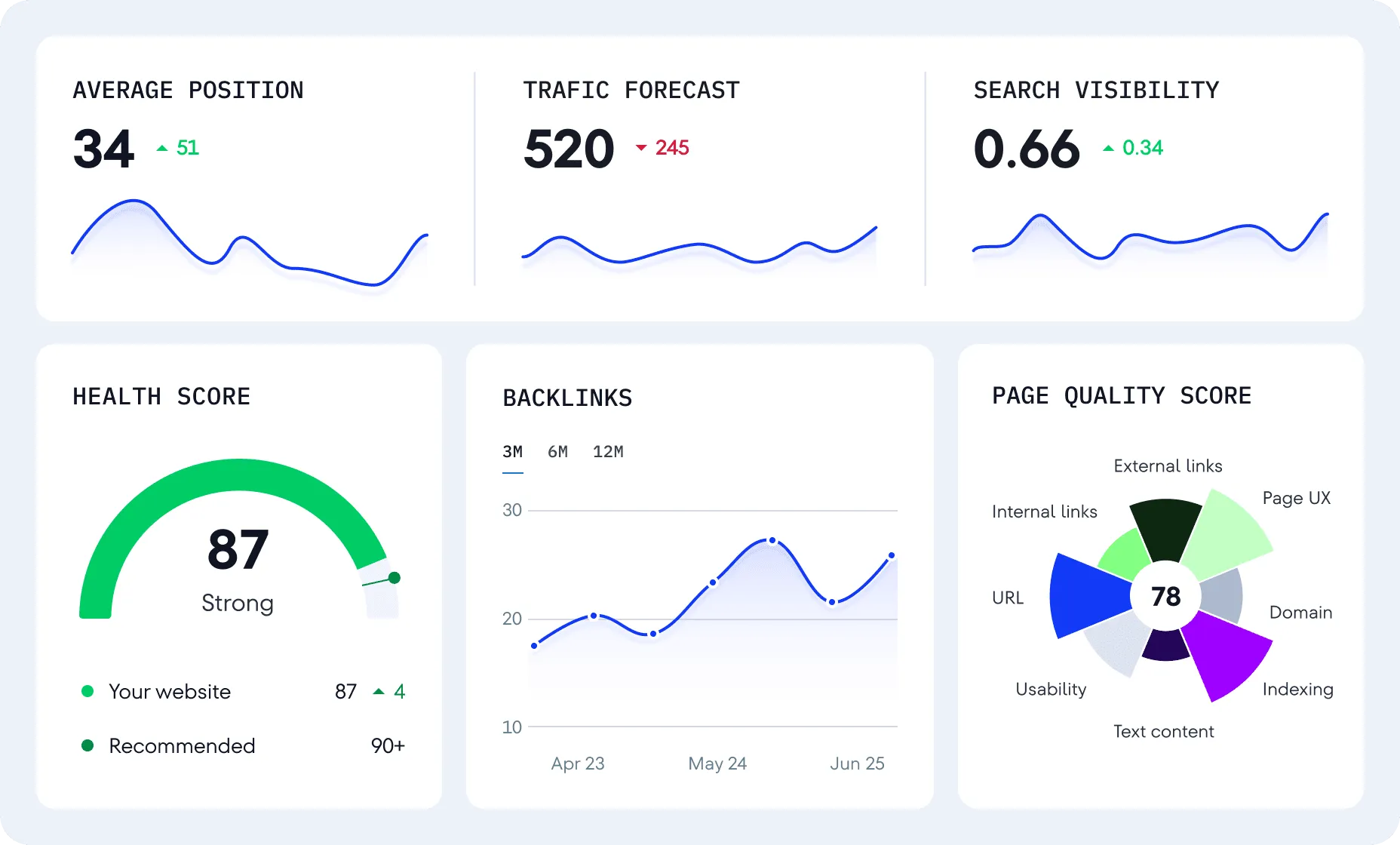
Why it's great: The On-Page SEO Checker analyzes individual pages against top-ranking competitors for your target keywords. It shows exactly what top results have (word count, keywords, links) that your page lacks.
Best for: Businesses targeting multiple countries or languages who need hreflang validation, multilingual content audits, and international search visibility tracking.
Key feature: The platform checks hreflang implementation across your site, verifying return tags and identifying conflicts. This is critical for international sites, as hreflang errors cause Google to ignore your regional targeting.
Pricing: 14-day free trial with full access; plans start at $65/month for 20,000 page audits and full feature suite.
Limitation: Like Sitebulb, there's no permanent free tier beyond the trial. The interface can feel overwhelming with so many features competing for attention.
7. Netpeak Spider: Best Free Desktop Alternative
Netpeak Spider offers a generous free tier with up to 200 URLs per crawl, making it a solid Screaming Frog alternative. The tool runs on Windows and macOS, providing technical SEO analysis comparable to paid tools. It checks internal links, extracts page elements, validates structured data, and integrates with Google Analytics, Google Search Console, and Google PageSpeed Insights for comprehensive data.
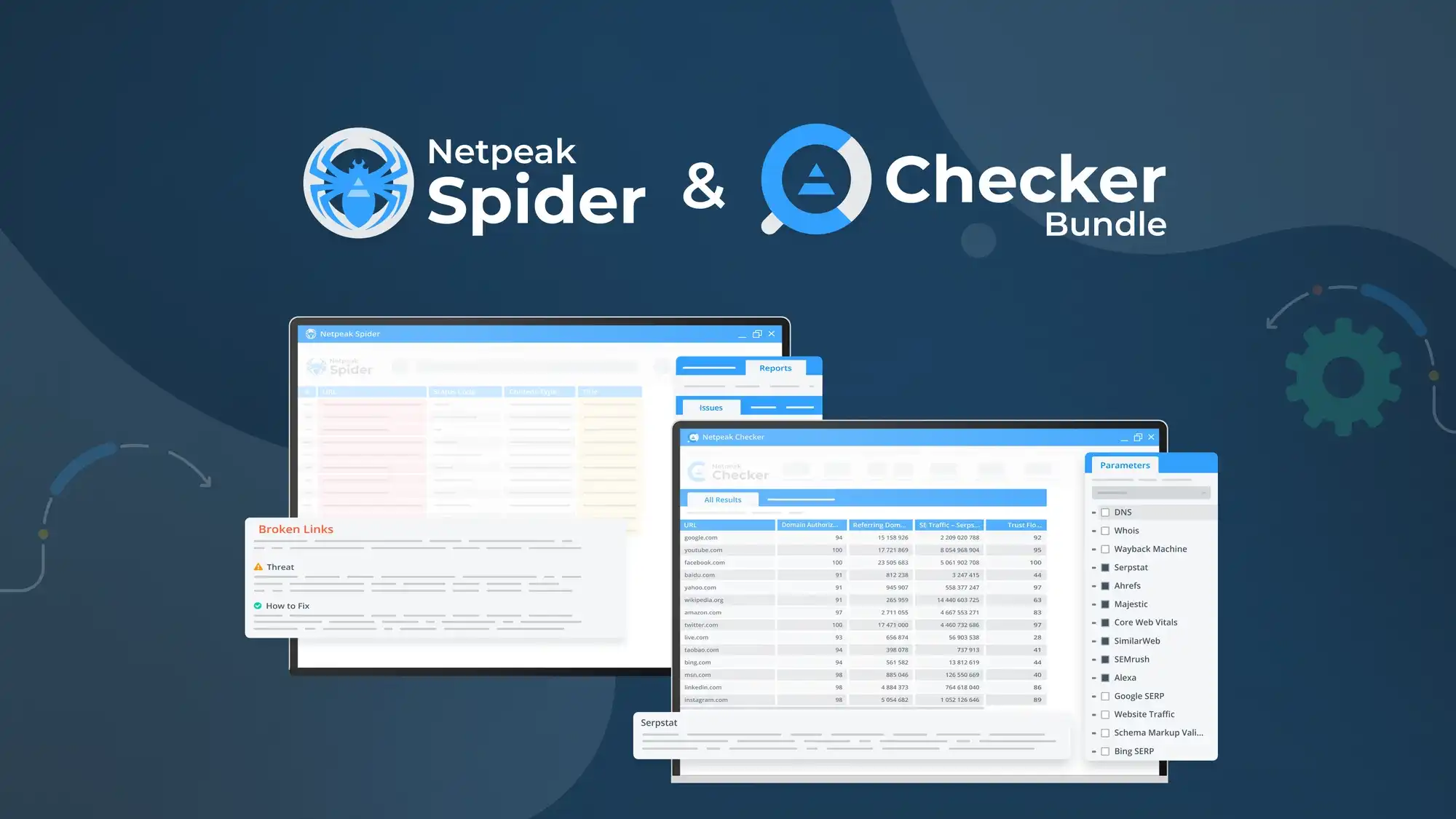
Why it's great: The free version doesn't expire or require a trial period. It's permanently free for up to 200 URLs, which covers many small business sites completely. The interface is cleaner than Screaming Frog, with better visualization of crawl progress.
Best for: Small business owners, bloggers, and marketing teams auditing smaller sites who want desktop crawling power without paying for Screaming Frog.
Key feature: The built-in integrations pull data from multiple sources into one interface. You can see PageSpeed Insights scores, GSC data, and Analytics metrics alongside crawl data.
Pricing: Free for 200 URLs; Standard license costs $10/month for unlimited URLs and advanced features.
Limitation: The 200 URL limit restricts use to smaller sites. Advanced features like JavaScript rendering and custom parameters require a paid license.
8. Bing Webmaster Tools: Best for Microsoft Search Visibility
Bing Webmaster Tools is Google Search Console's lesser-known counterpart for Microsoft's search ecosystem. While Google dominates, Bing powers roughly 3-4% of global searches and is the default for Microsoft Edge and Windows. The tool provides Bing-specific crawl data, keyword rankings, backlink information, and SEO reports at no cost.
Why it's great: If you're already optimizing for Google, adding Bing coverage costs you nothing. The SEO Analyzer crawls your site weekly and provides actionable recommendations. Bing often indexes pages Google doesn't, revealing coverage gaps.
Best for: Sites targeting U.S. audiences (where Bing has higher market share), B2B companies (professionals use Bing more), and anyone wanting comprehensive search engine coverage.
Key feature: The Site Scan tool runs weekly automated audits and emails you when it detects issues. It's a set-it-and-forget-it monitoring system that alerts you to problems proactively.
Pricing: Completely free with no limits or premium tiers.
Limitation: Bing represents a small fraction of most sites' traffic. The data and recommendations are Bing-specific and don't always apply to Google optimization.
9. Rankety: Best for Quick Instant Audits with AI-Powered Insights
Rankety provides instant AI-powered website SEO audits with comprehensive analysis in seconds. This modern SEO audit tool combines traditional crawling with advanced AI analysis to identify technical issues, content gaps, and optimization opportunities. You get 30 free credits to analyze your site with detailed reports covering 70+ SEO criteria including technical health, content quality, mobile optimization, and Core Web Vitals.
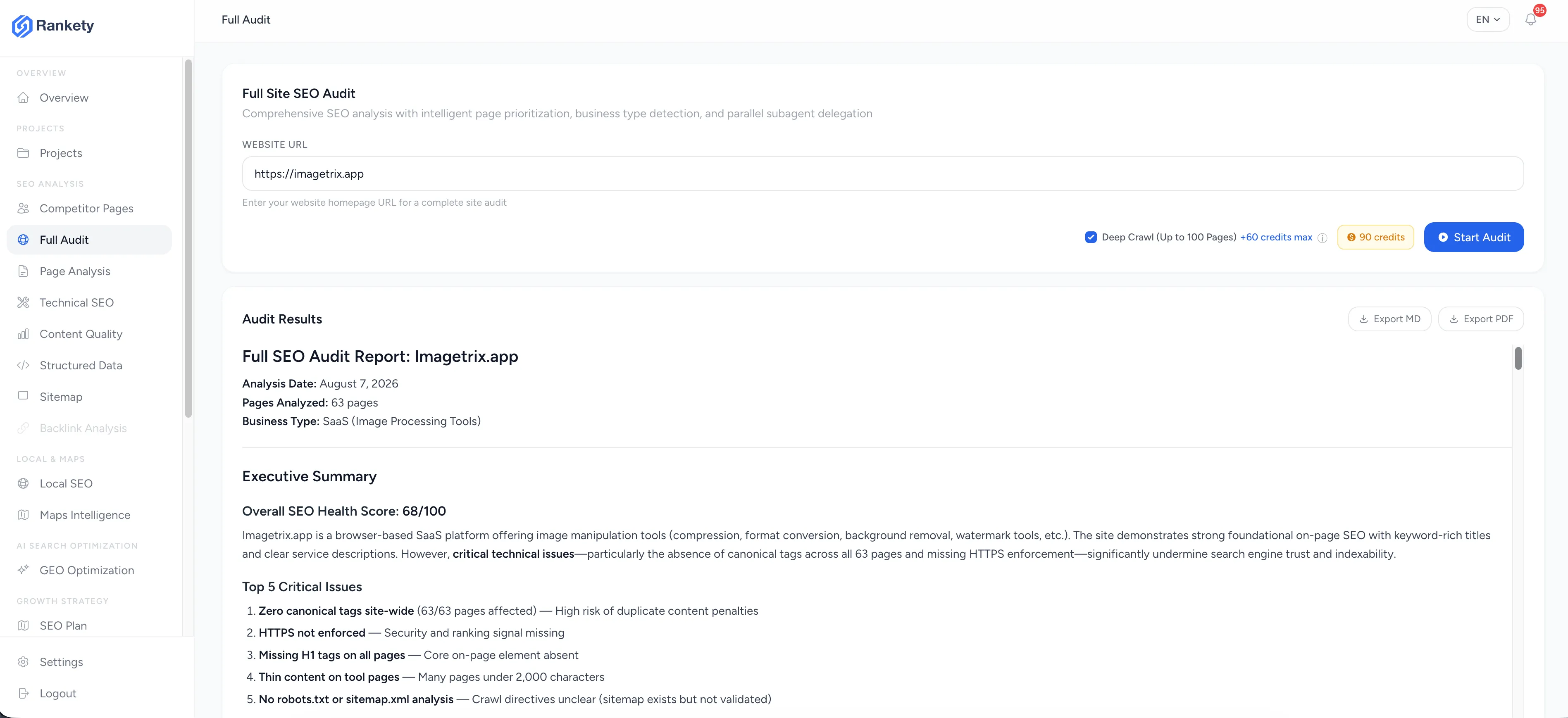
Why it's great: Rankety combines speed with depth. The AI engine analyzes your site's content, structure, and technical implementation in real-time, providing not just issue detection but also AI-generated recommendations tailored to your specific site. No credit card required to get started with 30 free credits.
Best for: Digital marketers, SEO consultants, agencies conducting client audits, and site owners who want professional-grade analysis with actionable AI-powered recommendations without the enterprise price tag.
Key feature: The AI Analysis Engine goes beyond simple issue detection. It understands your content context, identifies semantic gaps, suggests specific improvements, and prioritizes fixes based on actual impact to your rankings and traffic.
Pricing: 30 free credits to start; additional credits available with flexible pricing plans starting from affordable monthly subscriptions.
Limitation: Credit-based system means you'll need to manage your audit frequency. For unlimited audits, consider upgrading to a paid plan.
Rankety's recommendations are surprisingly specific—instead of generic "improve your content," it tells you exactly what topics to cover and how to restructure your pages. Perfect for both quick prospecting audits and in-depth technical analysis.
Comparison Table: Free SEO Audit Tools at a Glance
| Tool | Free Limit | Best Feature | Backlinks | Core Web Vitals | Mobile Check | Export Data | Learning Curve |
|---|---|---|---|---|---|---|---|
| Google Search Console | Unlimited | Real Google data | No | Yes (real user data) | Yes | CSV, Excel | Low |
| Screaming Frog | 500 URLs | Technical depth | No | Via API | Yes | CSV, Excel | Medium-High |
| Ahrefs Webmaster Tools | 5,000 URLs | Backlink + audit combo | Yes (full index) | Yes | Yes | CSV | Low-Medium |
| Semrush Site Audit | 100 URLs/month | Guided prioritization | No (separate tool) | Yes | Yes | PDF, CSV | Low |
| Sitebulb | 14-day trial | Visual reporting | No | Yes | Yes | PDF, CSV, Excel | Medium |
| SE Ranking | 14-day trial | International SEO | Yes (limited) | Yes | Yes | PDF, CSV, Excel | Medium |
| Netpeak Spider | 200 URLs | GSC integration | Via GSC API | Via API | Yes | CSV, Excel | Medium |
| Bing Webmaster Tools | Unlimited | Bing-specific data | Yes (Bing index) | Yes | Yes | CSV | Low |
| Rankety | 30 free credits | AI-powered insights | No | Yes | Yes | PDF, CSV | Very Low |
How to Build a Complete Audit Workflow Using Free Tools
Can you really audit a website professionally using only free tools? Absolutely. The key is combining tools strategically. Start with Google Search Console for Google's perspective on your site. Check the Page Indexing report for coverage issues, the Performance report for query data, and the Core Web Vitals report for real user experience metrics.
Next, run a technical crawl with Screaming Frog (up to 500 URLs) or Netpeak Spider (up to 200 URLs). Export the data and focus on these priorities: pages with 4XX/5XX errors, redirect chains, missing or duplicate title tags, missing or duplicate meta descriptions, broken internal links, and orphaned pages with no incoming links.
Third, verify your backlink profile in Ahrefs Webmaster Tools. Look for toxic links pointing to your site, pages that have lost backlinks recently, and opportunities where competitors have links you don't. If you're running an international site, validate hreflang implementation in SE Ranking during the free trial.
Finally, set up automated monitoring. Google Search Console emails you critical issues automatically. Bing Webmaster Tools runs weekly site scans with email alerts. Together, these create a free early-warning system for major problems. How often should you run this workflow? Quarterly at minimum, monthly for active sites, weekly for e-commerce during peak seasons.